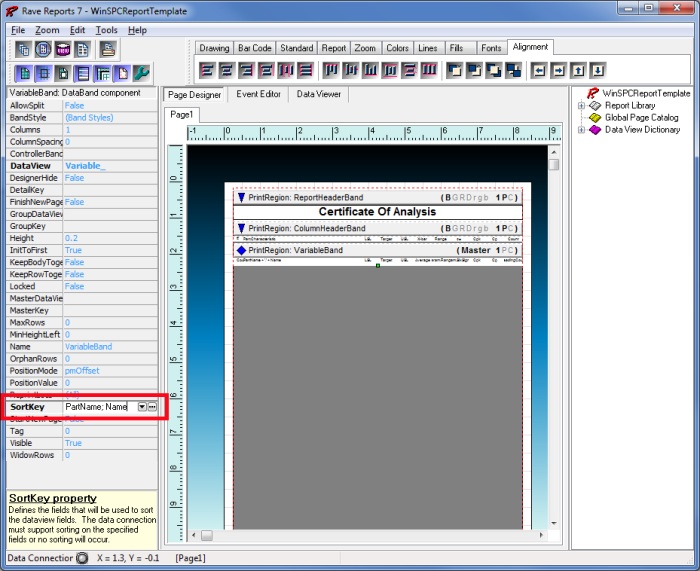
In RAVE, a databand’s output (using a dataview) can be sorted using the ‘SortKey’ property on the databand. You can sort on any field (or combination of fields) that are present in the dataview that is attached to the databand. This property can be set to a single field using the drop down available or can also be set to multiple fields (for a multi-column sort). If you use multiple fields, you need to follow the format:
Field1; Field2; Field3
When using a multi-column sort, each field should be separated by a semicolon.
You can also sort all fields in descending order (default is ascending). To do this, place a “-“ (minus symbol) in front of the entire sort key. For example:


 Search the WinSPC Knowledgebase
 Browse by Category
 The article has been updated successfully.